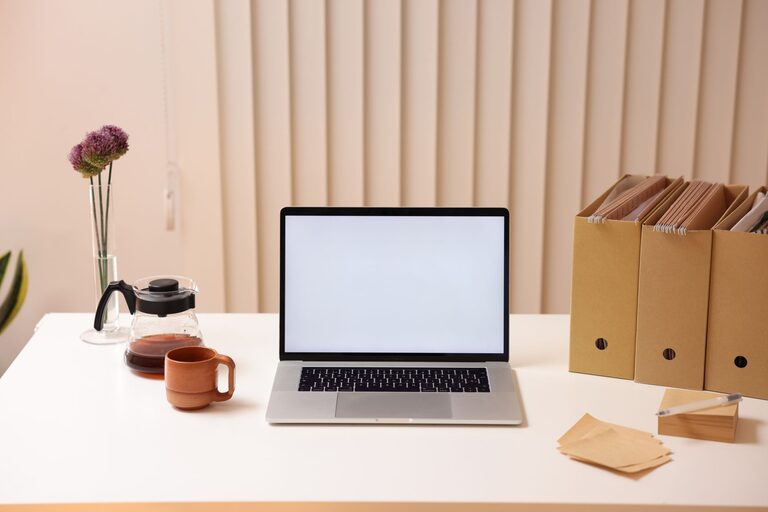
Creating a productive home office environment is essential for anyone working remotely or spending significant time on tasks at home. A well-designed workspace can help improve focus, reduce stress, and increase efficiency. Whether you’re new to working from home or looking to enhance your current setup, these practical tips will help you create a space where you can thrive.
Choose the Right Location
Find a Dedicated Space
Select a quiet spot in your home that can be reserved solely for work. Having a dedicated area, separate from high-traffic or noisy zones, helps your brain associate that space with productivity.
Consider Natural Light
Natural light boosts mood and energy levels, so pick a location near a window if possible. If natural light is limited, invest in good quality lighting to keep your workspace bright and inviting.
Invest in Comfortable and Functional Furniture
Ergonomic Chair and Desk
An ergonomic chair that supports your back and a desk at the right height can prevent discomfort and health issues. Make sure your feet can rest flat on the floor and your arms are at a 90-degree angle while typing.
Adjustable Equipment
Consider adjustable desks that allow you to alternate between sitting and standing. This flexibility helps reduce fatigue during long work hours.
Organize Your Workspace
Declutter Regularly
A cluttered desk can distract you from your work. Keep only essential items on your desk and store other materials in drawers or shelves.
Use Storage Solutions
Get organizers, shelves, or filing cabinets to keep paperwork and office supplies tidy and easily accessible. Labeling boxes or folders can help you find things quickly.
Minimize Distractions
Set Boundaries
Communicate with family or roommates about your work hours and the importance of minimizing interruptions during those times.
Control Noise
Use noise-canceling headphones or white noise machines if your environment is noisy. Alternatively, play soft instrumental music to enhance concentration.
Optimize Technology and Connectivity
Reliable Internet Connection
A fast and stable internet connection is crucial for video calls, file sharing, and other online activities.
Essential Tools and Software
Equip your computer with necessary software and tools to stay productive, such as project management apps, communication platforms, and antivirus protection.
Personalize and Inspire Your Space
Add Plants or Artwork
Including plants can improve air quality and bring a touch of nature indoors. Inspirational artwork or personal photos help create a motivating environment.
Choose Soothing Colors
Paint or decorate your workspace with colors that enhance focus and calm, such as soft blues, greens, or neutrals.
Maintain a Healthy Routine
Take Regular Breaks
Schedule short breaks to stretch, walk around, or rest your eyes. A timer or break reminder app can help keep you on track.
Stay Hydrated and Nourished
Keep a water bottle nearby and plan healthy snacks. Proper hydration and nutrition fuel your brain and body for optimal work performance.
Manage Work Hours and Set Goals
Set a Schedule
Define clear work hours to separate your professional time from personal time. Consistency helps develop healthy habits and work-life balance.
Create Daily To-Do Lists
Write down achievable goals each day to stay organized and motivated. Checking off tasks provides a sense of accomplishment and momentum.
Keep It Clean and Fresh
Regular Cleaning
Dust and clean your workspace regularly to create a pleasant and hygienic environment. This simple step can enhance comfort and reduce allergens.
Air Quality
Ensure good ventilation or consider using an air purifier to keep the air fresh and healthy.
—
By following these tips, you can transform your home office into a space that supports productivity and well-being. Remember, the key is to create an environment tailored to your needs, enabling you to work comfortably and efficiently every day.